Looking for the best laptop under $500 in 2026? You’re in the right place. Buying a budget laptop used to mean settling for sluggish performance, dim displays, and batteries that barely lasted through lunch. That’s no longer true. In 2026, the sub-$500 market is packed with genuinely capable machines that can handle everyday tasks, light video editing, coding, and all-day productivity — without draining your wallet.
Whether you’re a student heading to college, a remote worker on a tight budget, or just someone who needs a reliable second machine, this guide covers the best laptops you can buy under $500 right now. We’ve tested and compared performance, build quality, battery life, and value so you don’t have to.
🏆 Quick Picks: Best Laptops Under $500 in 2026
- Best Overall: Acer Aspire 5 (2026) — Balanced performance, great display, unbeatable value
- Best for Students: Lenovo IdeaPad Flex 5 — 2-in-1 versatility, solid battery, lightweight
- Best Performance: ASUS VivoBook 15 — AMD Ryzen 7, fast and future-proof
- Best Battery Life: HP Chromebook Plus — 12+ hours, perfect for note-taking and browsing
- Best Budget Pick: Acer Chromebook Spin 514 — Under $350, surprisingly capable
Why Buy a Laptop Under $500?
The $400–$500 price bracket has become the sweet spot for budget laptops in 2026. Brands like Acer, Lenovo, ASUS, and HP have pushed real performance into this tier — you can now get an AMD Ryzen 5 or Intel Core i5 processor, 8–16GB of RAM, fast SSD storage, and a Full HD display without crossing the $500 line. For most people — students, remote workers, casual users — these machines handle everything they need.
Here’s what to look for when buying a budget laptop in 2026:
- Processor: AMD Ryzen 5/7 or Intel Core i5 — avoid Intel Celeron or Pentium chips
- RAM: Minimum 8GB; 16GB is ideal for multitasking
- Storage: 256GB SSD minimum — avoid HDD-only models
- Display: Full HD (1920×1080) IPS panel for accurate colors and wide viewing angles
- Battery: Aim for 8+ hours of real-world use
- Build Quality: Metal chassis or reinforced plastic for durability
1. Acer Aspire 5 — Best Overall Under $500
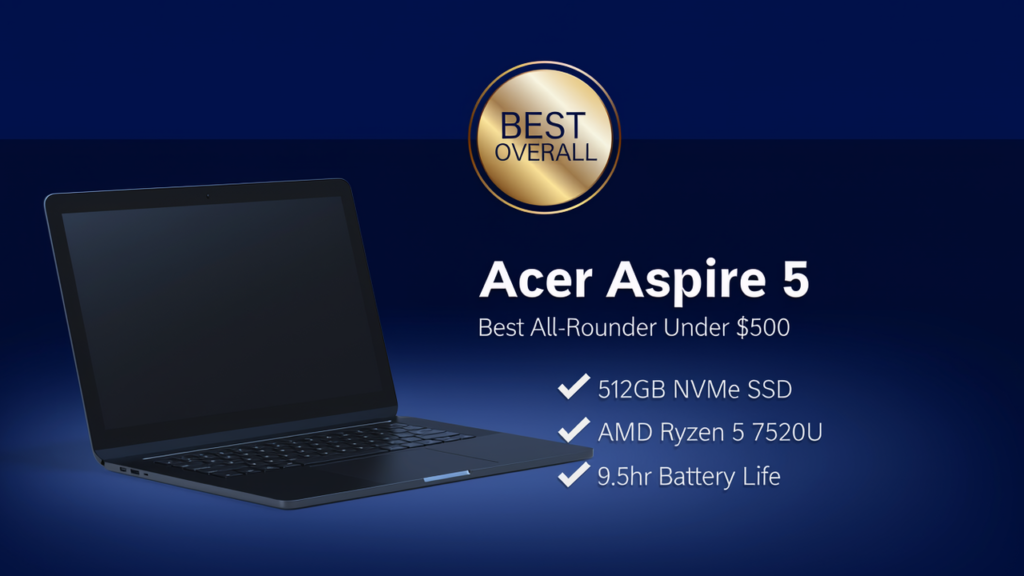
The Acer Aspire 5 has been a best-seller in the budget laptop space for years — and the 2026 edition proves why. With an AMD Ryzen 5 7520U processor, 8GB of RAM, a 512GB NVMe SSD, and a sharp 15.6-inch Full HD IPS display, it delivers well-rounded performance at a price that’s hard to argue with. The keyboard is comfortable for long typing sessions, the build feels more premium than its price tag suggests, and the battery regularly clears 8 hours of mixed use.
Key Specs
- Processor: AMD Ryzen 5 7520U
- RAM: 8GB DDR5 (upgradeable to 16GB)
- Storage: 512GB NVMe SSD
- Display: 15.6″ Full HD IPS (1920×1080)
- Battery: Up to 9.5 hours
- Weight: 1.76 kg
- OS: Windows 11 Home
Pros & Cons
- ✅ Excellent price-to-performance ratio
- ✅ Bright, color-accurate Full HD IPS display
- ✅ Fast NVMe SSD — boots in seconds
- ✅ Upgradeable RAM and storage
- ❌ Plastic chassis feels budget in hand
- ❌ No Thunderbolt port
Best For: Students and remote workers who need a reliable all-rounder that handles Office, Zoom, and light multitasking with ease.
2. Lenovo IdeaPad Flex 5 — Best for Students
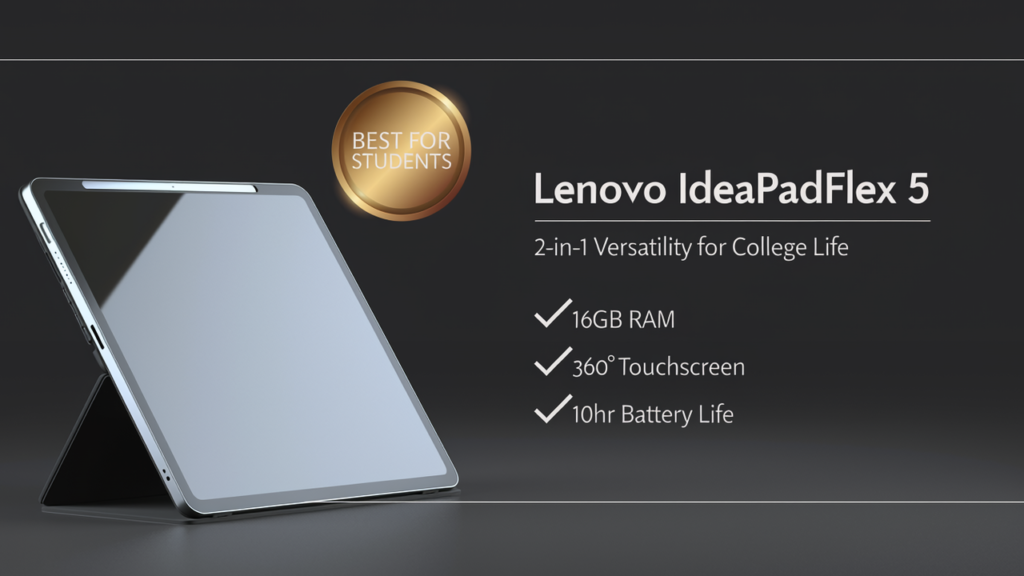
If you want versatility on a budget, the Lenovo IdeaPad Flex 5 is the standout choice. This 2-in-1 convertible folds all the way back into tablet mode, making it perfect for note-taking in lectures, sketching, or watching content. It runs an AMD Ryzen 5 7530U, offers a 14-inch Full HD touchscreen, and weighs just 1.5kg — easy to carry between classes or meetings. Battery life is consistently strong at 9–10 hours, and the backlit keyboard is genuinely pleasant to type on.
Key Specs
- Processor: AMD Ryzen 5 7530U
- RAM: 16GB DDR4
- Storage: 512GB SSD
- Display: 14″ Full HD IPS Touchscreen (360° hinge)
- Battery: Up to 10 hours
- Weight: 1.5 kg
- OS: Windows 11 Home
Pros & Cons
- ✅ 2-in-1 flexibility for tablet and laptop modes
- ✅ 16GB RAM out of the box — great for multitasking
- ✅ Lightweight and portable at 1.5kg
- ✅ Excellent keyboard with backlight
- ❌ Touchscreen adds slight glare
- ❌ No dedicated GPU for gaming
Best For: College students who want a tablet-laptop hybrid that’s light, versatile, and powerful enough for everything from note-taking to programming assignments.
3. ASUS VivoBook 15 — Best Performance Under $500
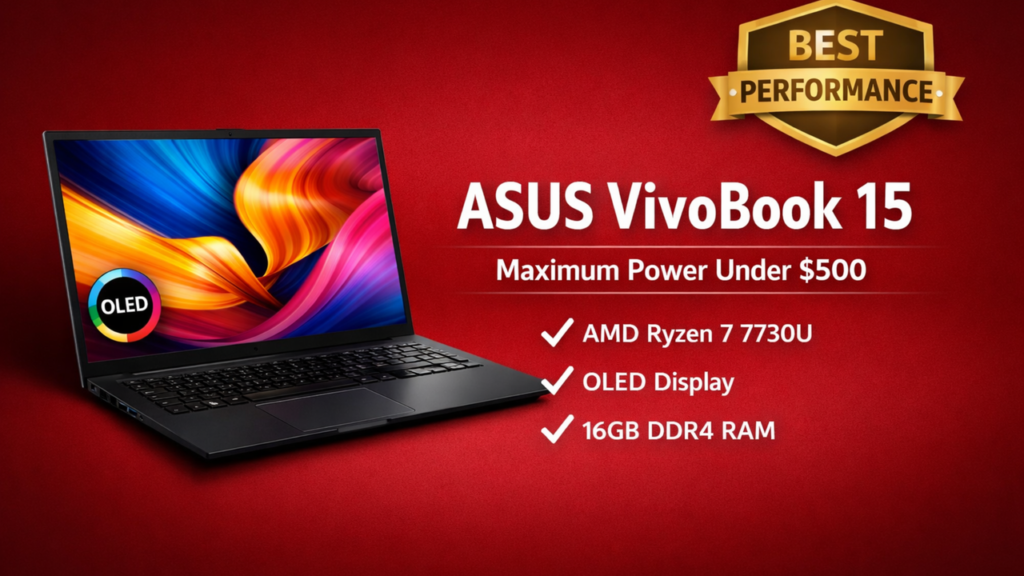
The ASUS VivoBook 15 is the performance pick in this guide. Powered by an AMD Ryzen 7 7730U — a chip you’d expect to find in mid-range laptops costing $200 more — it handles demanding workloads with ease. Whether you’re running multiple browser tabs, editing photos in Lightroom, writing code, or working with large spreadsheets, this machine doesn’t flinch. The 15.6-inch Full HD OLED display is a genuine highlight, delivering deep blacks and vivid colors that punch well above the $500 price point.
Key Specs
- Processor: AMD Ryzen 7 7730U
- RAM: 16GB DDR4
- Storage: 512GB NVMe SSD
- Display: 15.6″ Full HD OLED
- Battery: Up to 8 hours
- Weight: 1.7 kg
- OS: Windows 11 Home
Pros & Cons
- ✅ Ryzen 7 power at a budget price
- ✅ Stunning OLED display — best screen in this category
- ✅ 16GB RAM for smooth multitasking
- ✅ Solid port selection including USB-C
- ❌ Battery life shorter than competitors (8 hrs)
- ❌ Fan noise audible under load
Best For: Power users, developers, and content creators who need maximum CPU performance and a premium display on a $500 budget.
4. HP Chromebook Plus — Best Battery Life
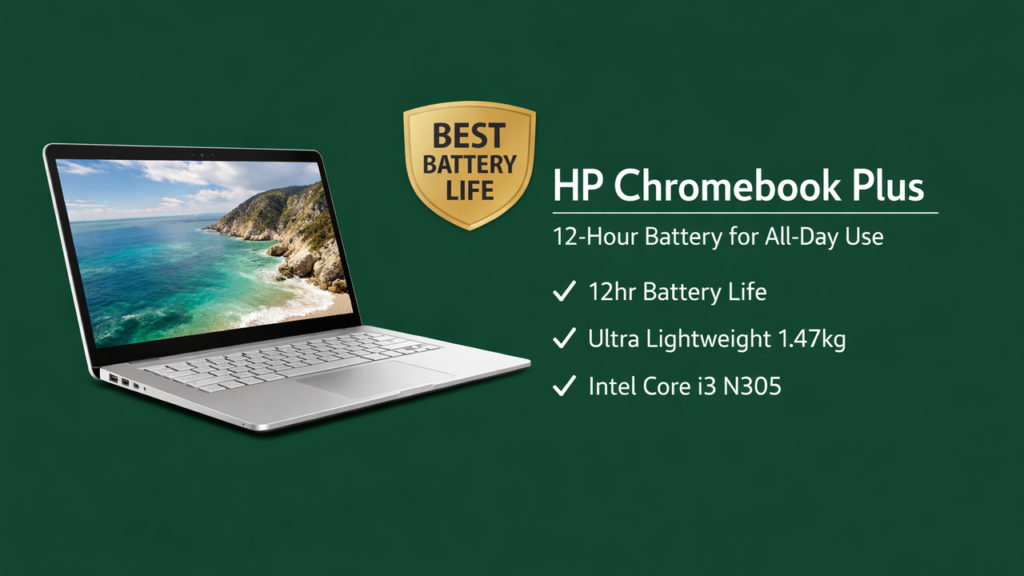
If you live in Google’s ecosystem — Gmail, Google Docs, Google Meet — the HP Chromebook Plus is a phenomenal value. It runs ChromeOS, which is faster, lighter, and more secure than Windows for everyday tasks. The Intel Core i3 N-series processor handles web browsing, document editing, and video calls without breaking a sweat, and the 14-inch Full HD IPS display is bright and sharp. The star of the show, however, is the battery: HP claims up to 12 hours, and real-world testing regularly hits 11–12 hours of light use.
Key Specs
- Processor: Intel Core i3 N305
- RAM: 8GB LPDDR5
- Storage: 256GB eMMC
- Display: 14″ Full HD IPS
- Battery: Up to 12 hours
- Weight: 1.47 kg
- OS: ChromeOS
Pros & Cons
- ✅ 12-hour battery — lasts a full workday
- ✅ Extremely lightweight at 1.47kg
- ✅ Fast, secure ChromeOS with Google Assistant
- ✅ Excellent value under $400
- ❌ ChromeOS not suitable for Windows-only software
- ❌ Limited offline functionality compared to Windows
Best For: Students and professionals who primarily use web-based apps, Google Workspace, and want the longest possible battery life in a light, portable package.
5. Acer Chromebook Spin 514 — Best Budget Pick Under $350
If your budget is tight but you still need a capable, modern machine, the Acer Chromebook Spin 514 is hard to beat. At under $350, it offers a 360-degree hinge for tablet mode, an AMD Ryzen 3 processor that’s genuinely quick for ChromeOS tasks, a 14-inch Full HD touchscreen, and all-day battery life. The aluminum lid gives it a premium feel that belies its price. It’s not going to run Photoshop or play PC games, but for Google Docs, YouTube, web browsing, and video calls — it’s more than enough.
Key Specs
- Processor: AMD Ryzen 3 7320C
- RAM: 8GB LPDDR5
- Storage: 128GB eMMC
- Display: 14″ Full HD IPS Touchscreen (360°)
- Battery: Up to 10 hours
- Weight: 1.55 kg
- OS: ChromeOS
Pros & Cons
- ✅ Under $350 — exceptional price
- ✅ 360° hinge for tablet and tent modes
- ✅ Aluminum build feels premium
- ✅ Ryzen 3 is fast for ChromeOS workloads
- ❌ Only 128GB storage — limited for large files
- ❌ ChromeOS won’t run Windows applications
Best For: Budget-conscious shoppers, school students, and anyone who needs a light, durable laptop primarily for web-based tasks and Google apps.
Comparison Table: Best Laptops Under $500 (2026)
| Laptop | Processor | RAM | Storage | Battery | Best For |
|---|---|---|---|---|---|
| Acer Aspire 5 | Ryzen 5 7520U | 8GB | 512GB SSD | 9.5 hrs | Best Overall |
| Lenovo IdeaPad Flex 5 | Ryzen 5 7530U | 16GB | 512GB SSD | 10 hrs | Students / 2-in-1 |
| ASUS VivoBook 15 | Ryzen 7 7730U | 16GB | 512GB SSD | 8 hrs | Performance |
| HP Chromebook Plus | Core i3 N305 | 8GB | 256GB | 12 hrs | Battery Life |
| Acer Chromebook Spin 514 | Ryzen 3 7320C | 8GB | 128GB | 10 hrs | Best Budget |
How to Choose the Right Laptop Under $500
Choosing a budget laptop comes down to understanding how you’ll actually use it. If you need Windows software — Microsoft Office, Adobe apps, coding tools like VS Code or PyCharm — go with a Windows laptop like the Acer Aspire 5, Lenovo Flex 5, or ASUS VivoBook 15. If your life runs on Google Workspace, YouTube, and web apps, a Chromebook like the HP Chromebook Plus will give you better battery life, lighter weight, and a smoother experience for less money.
For students juggling classes and side projects, the Lenovo IdeaPad Flex 5 is the most versatile pick — 16GB RAM, a touchscreen, and 2-in-1 flexibility make it a genuinely excellent all-day companion. If you’re a developer or creator who needs raw CPU power, the ASUS VivoBook 15 with its Ryzen 7 chip is the obvious choice. And if budget is the absolute priority, the Acer Chromebook Spin 514 under $350 is an honest, well-built machine that does the basics brilliantly.
Key Questions to Ask Yourself
- Do I need Windows software? → Acer Aspire 5, Lenovo Flex 5, or ASUS VivoBook 15
- Am I mostly using Google apps and the web? → HP Chromebook Plus
- Do I need tablet flexibility for note-taking? → Lenovo IdeaPad Flex 5
- Is battery life my #1 priority? → HP Chromebook Plus (12 hrs)
- Is my budget under $350? → Acer Chromebook Spin 514
- Do I need max performance for coding or content creation? → ASUS VivoBook 15
Final Verdict
The budget laptop market in 2026 is genuinely impressive. You no longer have to sacrifice performance, display quality, or battery life just because you’re spending under $500. The Acer Aspire 5 remains the best all-around pick for most people — it balances performance, build quality, and battery life better than anything else at this price. If you need a 2-in-1, the Lenovo IdeaPad Flex 5 is an outstanding student laptop. And if you’re after raw power, the ASUS VivoBook 15 with Ryzen 7 is a genuine steal.
For those who live in the Google ecosystem or simply need the best possible battery life, both Chromebook options — the HP Chromebook Plus and the Acer Chromebook Spin 514 — offer excellent value and zero compromise on the tasks they’re designed for. Whatever your use case, you don’t need to spend $800+ to get a laptop that genuinely gets the job done in 2026.
Affiliate Disclosure: DevicePickr.io is a participant in the Amazon Associates Program. Some links on this page are affiliate links, which means we may earn a small commission at no extra cost to you if you click through and make a purchase. This helps us keep the site running and the reviews honest.
Related Guides
Keep reading with these related buying guides:
- The Ultimate Buying Guide to Trending Gaming TVs with Low Input Lag
- Best Value Android Phones in 2026: A Practical Buying Guide
- Best Budget Earbuds Under $100 in 2026: Your Essential Buying Guide
- Best WiFi Routers Under $250 in 2026: The Ultimate Buying Guide
- The Best Premium Smartphones for Photography and Battery Life (2026)
- Top Smartwatch Picks for iPhone Users (2026): Your Ultimate Buying Guide